7 things every small business homepage needs
Most visitors decide in seconds whether they’re in the right place. These seven things help your homepage pass that test, whatever your business.
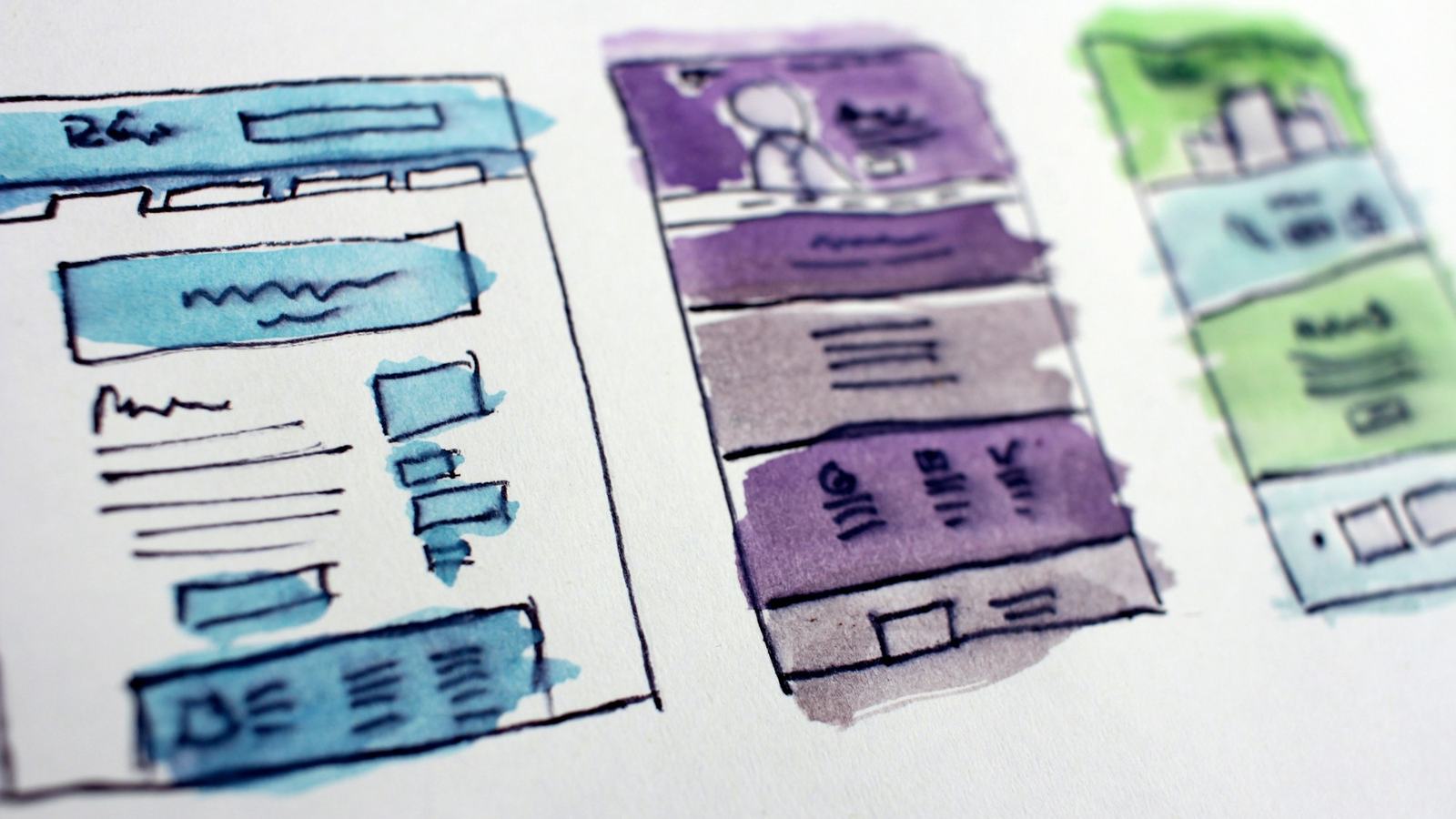
Your homepage has one job: to tell visitors, within a few seconds, that they’re in the right place and what to do next. Most visitors don’t read, they scan. If they can’t quickly see what you do and how to get in touch, they go back and tap on the next result. Here are the seven things I make sure every homepage has.
1. A headline that says what you do
Clever slogans are fun to write and hard to understand. Say plainly what you do, for whom and, if you’re local, where.
- Vague: “Passion. Quality. Excellence.”
- Clear: “Friendly dog grooming in Knaresborough, from £35.”
2. One clear next step
Decide what you most want visitors to do, such as call, book or send an enquiry, and make that one big, obvious button near the top. You can have a second, quieter option, but don’t give people six buttons to choose from.
3. Proof that you’re real and good
People want reassurance before they get in touch. Show a couple of short reviews, photos of real work, how long you’ve been trading or any memberships and accreditations. One honest testimonial with a name beats ten anonymous stars.
4. Your services at a glance
A short list or a few cards with your main services, each linking to more detail. Visitors should be able to see in one glance whether you do the thing they need.
5. Where you work and how to reach you
Mention your town or service area, and put your phone number, email address and opening hours where they’re easy to find, ideally in the header or footer of every page. It helps customers and it helps Google understand where you are.
6. Real photos
For your own business, real photos of you, your team, your premises and your work beat stock photography every time. They don’t need to be professional, just well lit and in focus. Customers want to see who they’ll be dealing with.
7. Fast and phone-friendly
Most visits to small business websites come from phones. Your homepage should load quickly on mobile data, with text you can read without zooming and buttons you can tap with a thumb. Compress your images and test the site on your own phone.
What to leave out
- Sliders and carousels. Hardly anyone waits for slide three.
- A long “Welcome to our website” paragraph. Get to the point.
- Pop-ups the moment someone arrives. Let them see the page first.
- Autoplaying video or music. Nobody has ever enjoyed it.
A quick test you can do today
Show your homepage to a friend for five seconds, then close it. Ask them what you do, where you are and how they’d contact you. If they can’t answer all three, your homepage needs work.
If you’d like a second pair of eyes, send me your link. I’m happy to give you a few honest pointers, and if you need a new site, my packages start at £395.
Keep reading
More guides
-
How to set up your Google Business Profile (step by step)
Your Google Business Profile decides whether you show up on Google Maps. Here’s how to set it up properly in about half an hour, even if you work from home.
-

WordPress vs Wix vs Squarespace: which is best for a small business?
An honest comparison of the three most popular ways to build a small business website in the UK: what they cost, what they’re good at and where they fall short.
-
Do I need a website if I’m on Facebook?
A Facebook page is a good start, but it isn’t yours. Here’s what a website does that social media can’t, and when you can honestly get by without one.
Need a hand with your website?
Tell me a bit about your business. I’ll come back to you with honest advice, usually within one working day.